A tag that answers back
Scroll to turn the tag, see what is inside it, learn how to pair it to your account in two steps, and watch what the app does once it is on the animal.
 Reporting
Four parts, one job
GPS receiver
Reads the animal's position — kept switched off until a location is actually wanted.
Cellular modem and SIM
Carries every check-in over the mobile network, and sends the SMS with the map link.
Controller
Wakes on schedule, decides what to report, and remembers the last instruction it was given.
Battery
Sized around the tag sleeping most of the day — which is why the GPS stays off unless you ask.
The turning object above is an illustration, not a photograph of the finished tag.
Two steps to make it yours
Holding the tag is not enough on its own, and neither is knowing its number. Both together are what pairs it.
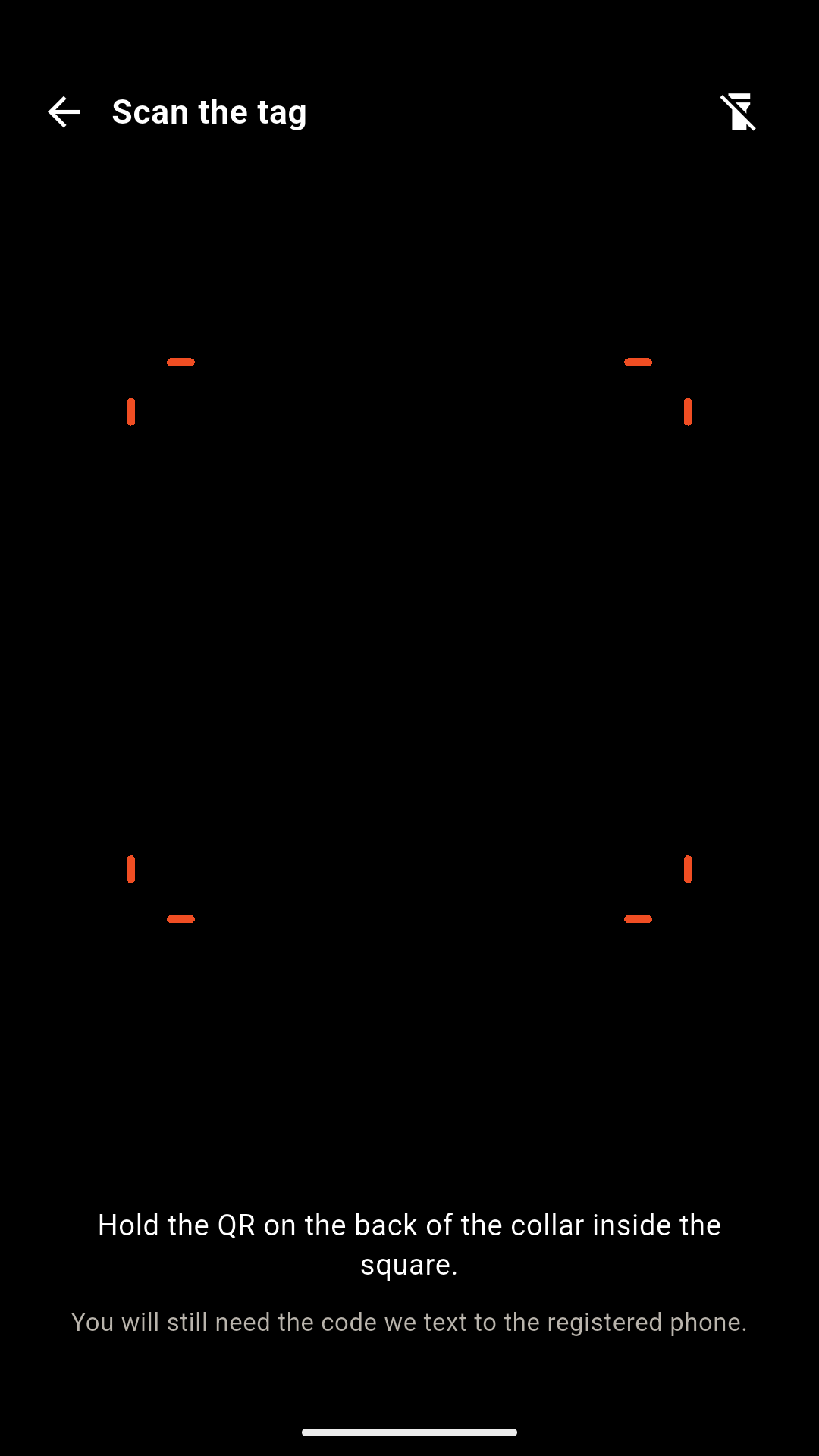
Scan the tag
Open Add mithun in the app and point the camera at the QR printed on the back of the tag. The tracker number fills itself in.
Confirm by SMS
Sent to your number
A one-time code goes to the phone number registered against that tag. Type it in and the tag is on your account.
It starts reporting
From then on the tag checks in on its own. Give the animal a name and a photo, and it appears in your herd.
Why a stranger cannot claim your tag
The QR carries a secret that exists nowhere but that printed tag, so guessing a tracker number gets nobody anywhere. And the confirmation code goes to the number already registered against the tag — so somebody who picks up a stray and scans it sends the code straight to your handset, not theirs.
Running Kapato track
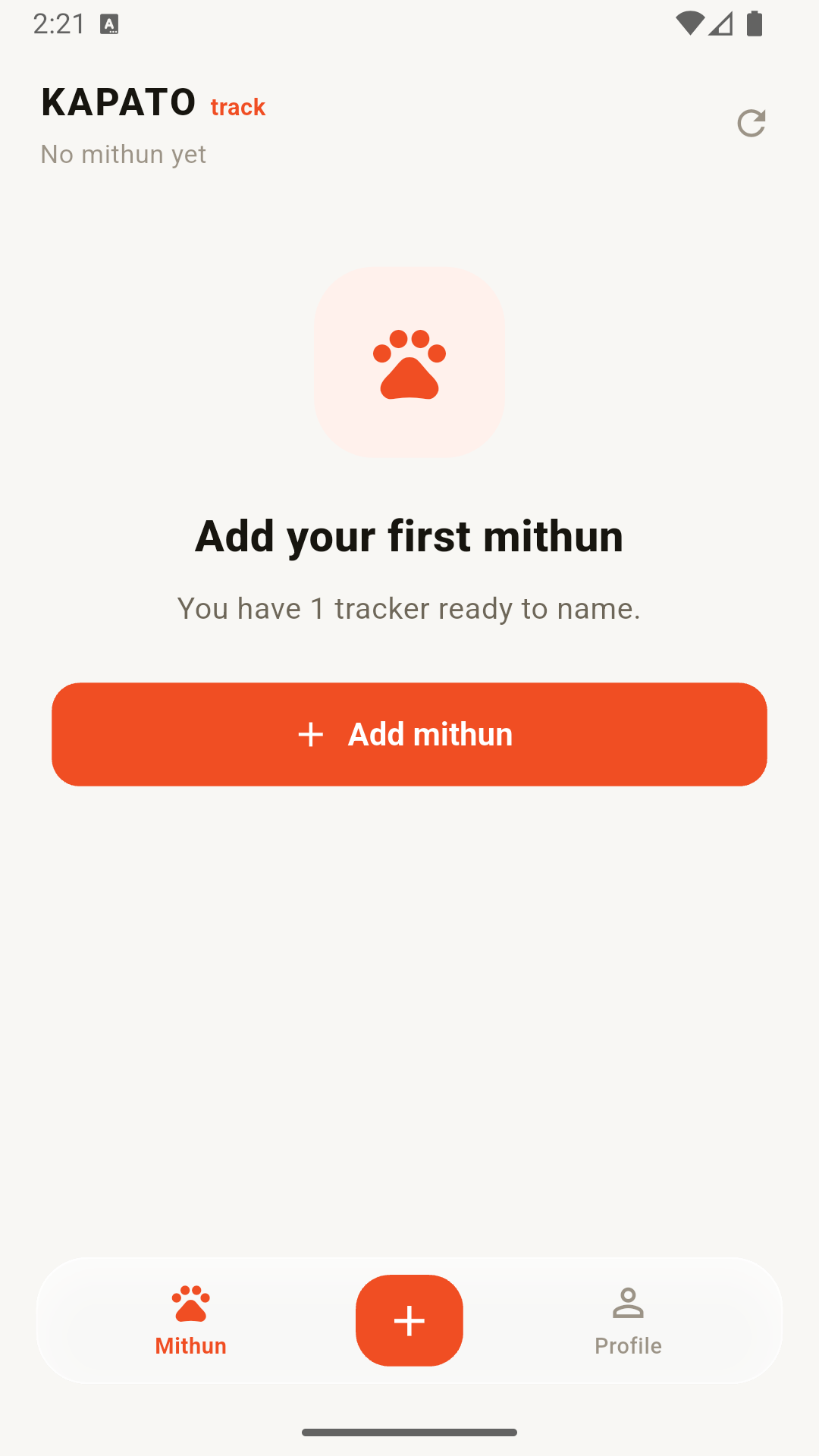
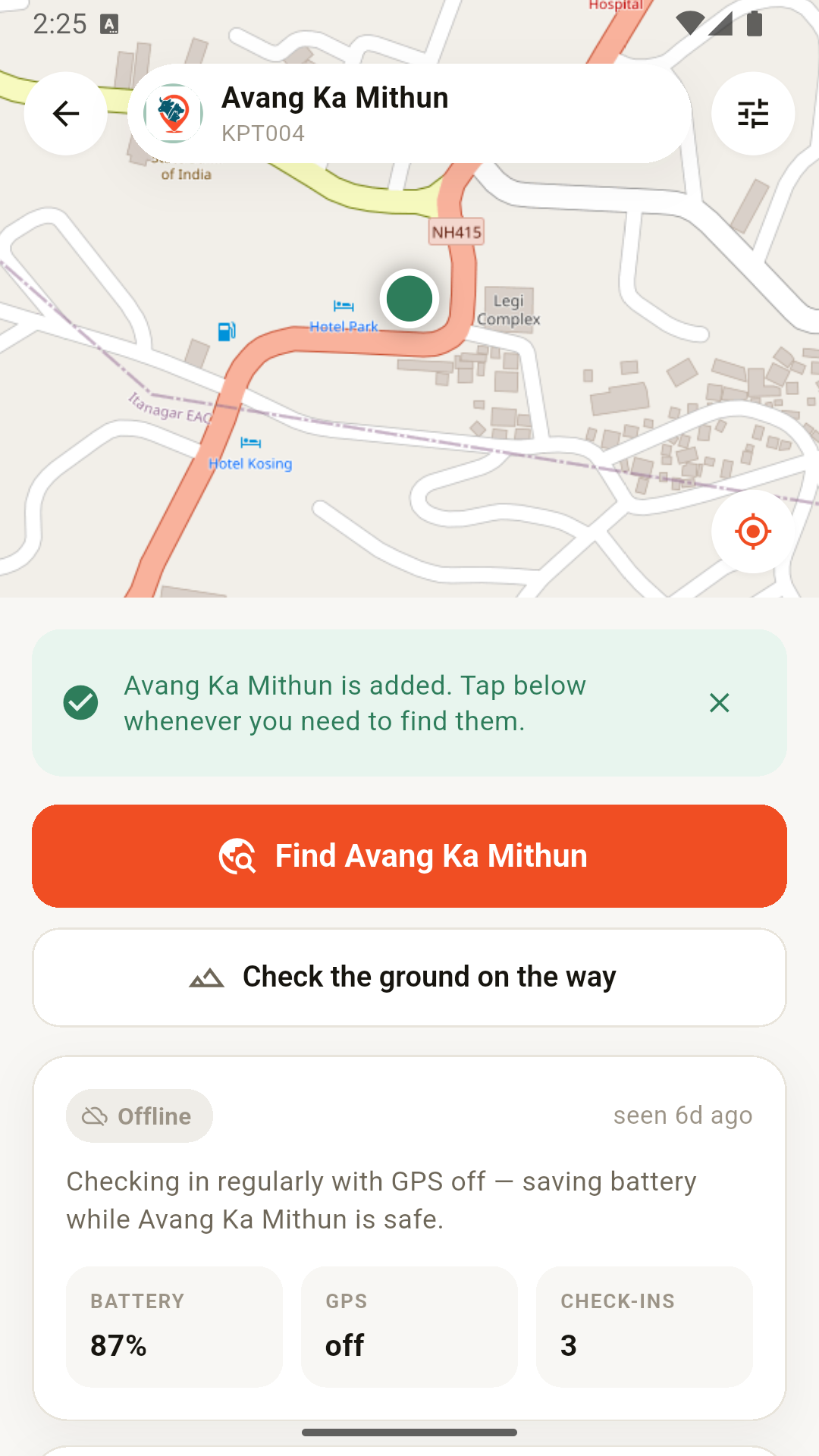
Sign in with the account we set up when your tracker was paired, then add each animal. These are real screens from the app.
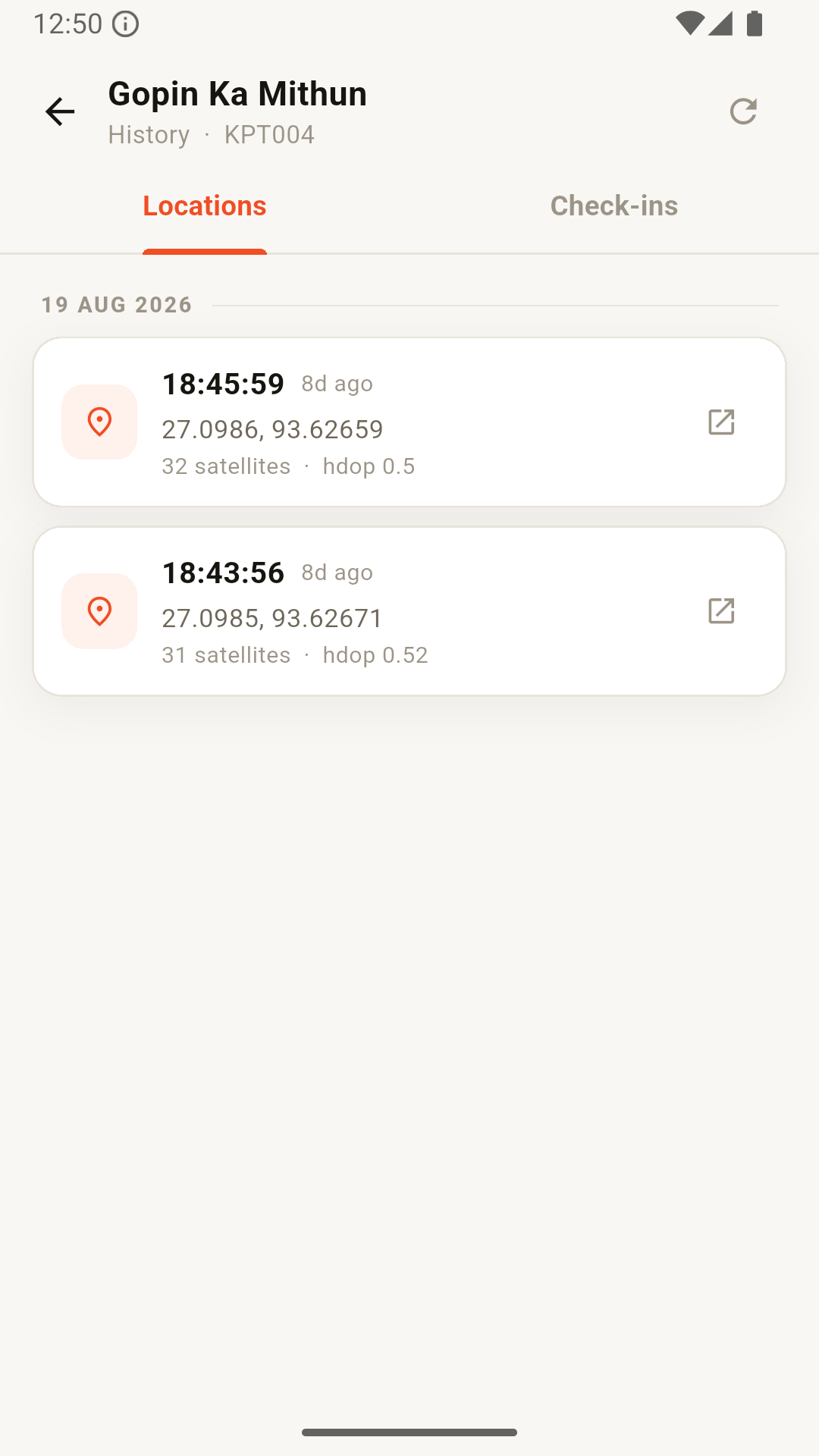
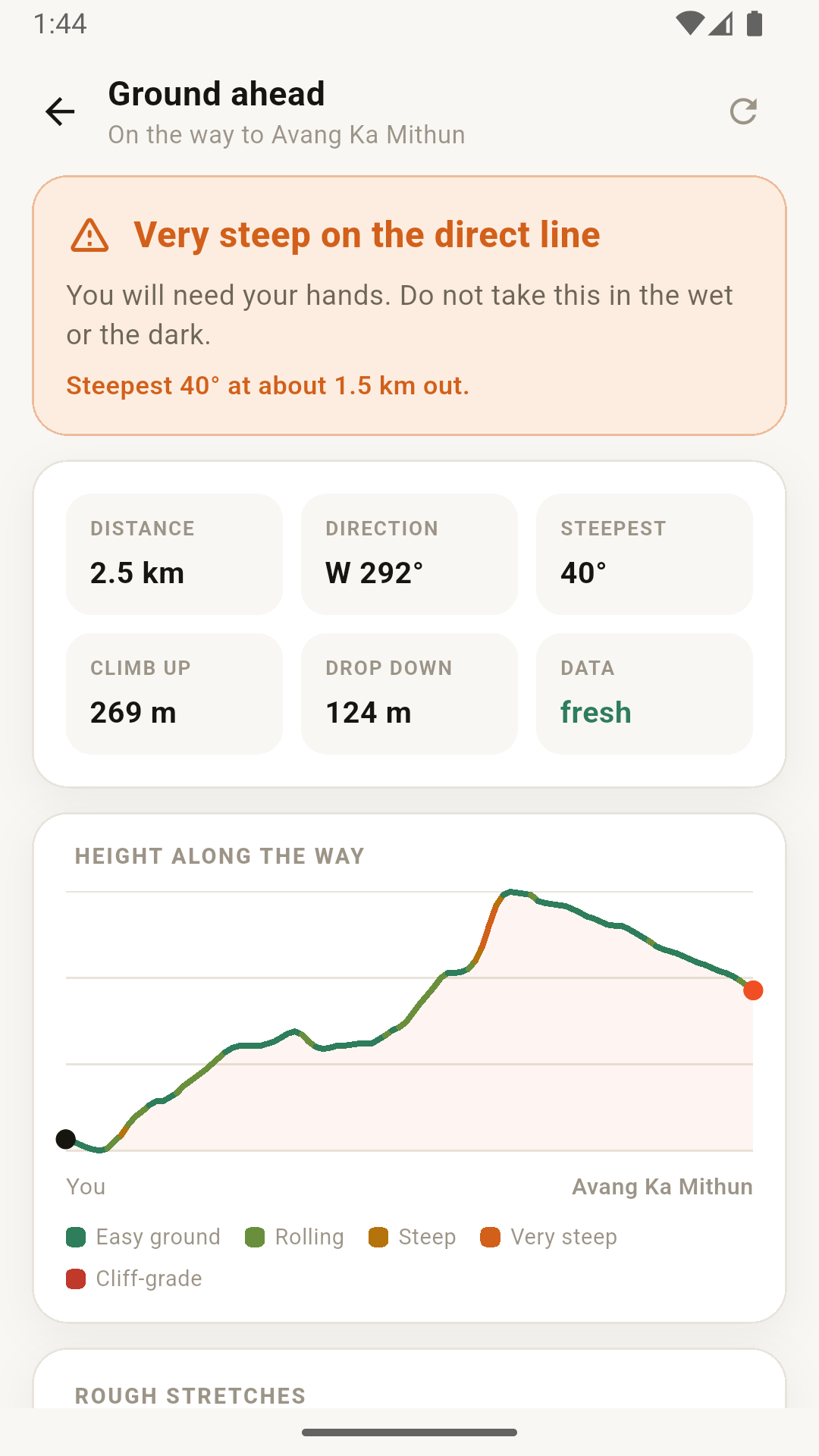
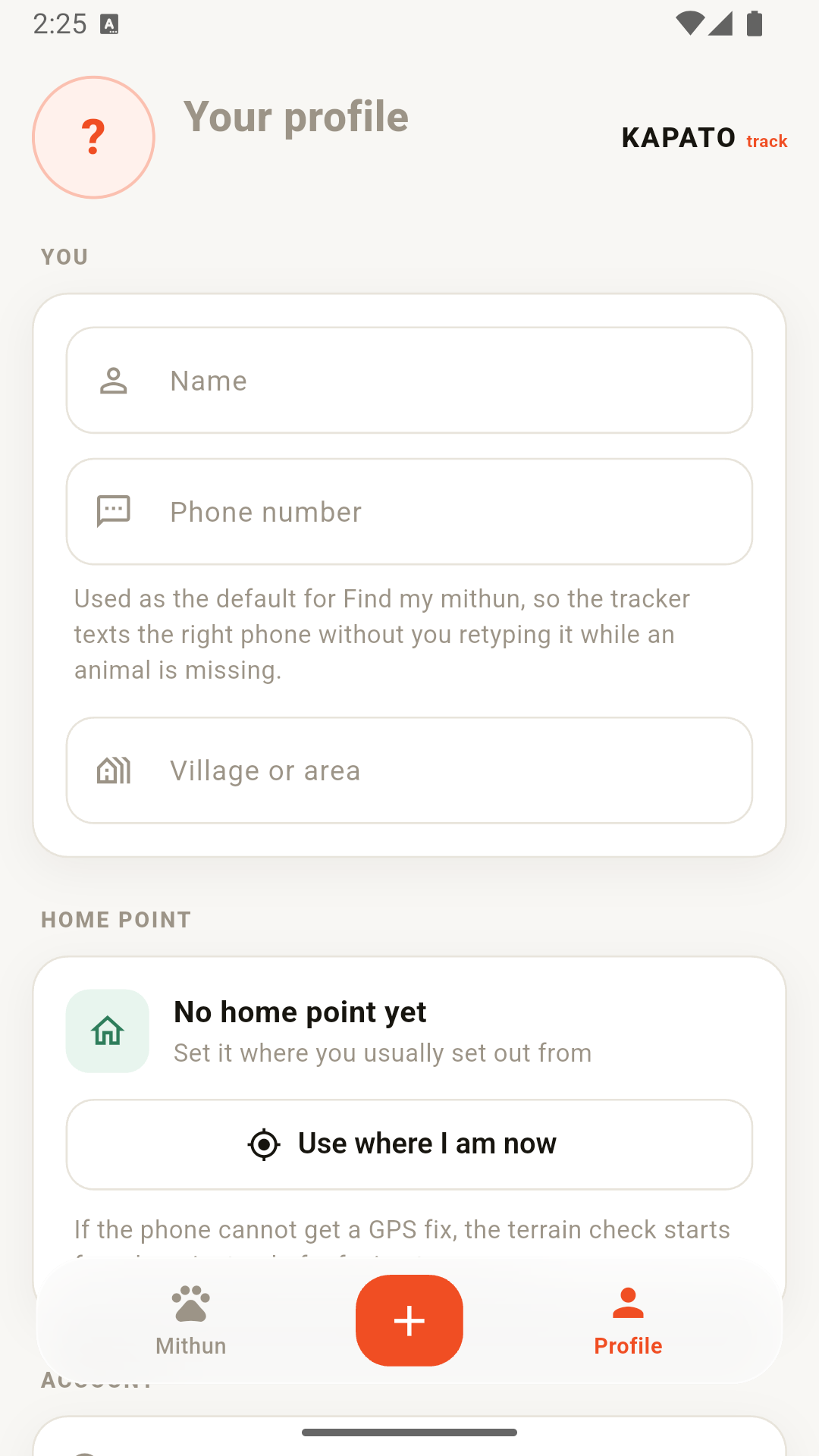
Your herd
Every animal with its name and photo, and how long since the tag last checked in.
- 1 Sign in. Kapato sets up your account when the tracker is paired to you.
- 2 Add a mithun. Scan the tag, give the animal a name, a colour and photos.
- 3 Tap Find. Choose the number to text and how often to report, and the GPS wakes.
Ready to put one on your animal?
Tell us your herd size and where you are, and we come back with a quote and a fitting date.
Order a tag